Guide eyes with your cursor
Four highlight styles — ring, disc, laser pointer, halo. Clicks ripple visibly, so people see what you pressed without you narrating it.
control + option + CPeakMode is a macOS menu bar app for screen sharing and presentations. Cursor highlight, on-screen drawing, spotlight, zoom — tools you can use while talking, one hotkey away.
Every default hotkey is control + option plus a left-hand key, so your right hand stays on the mouse.
Four highlight styles — ring, disc, laser pointer, halo. Clicks ripple visibly, so people see what you pressed without you narrating it.
control + option + C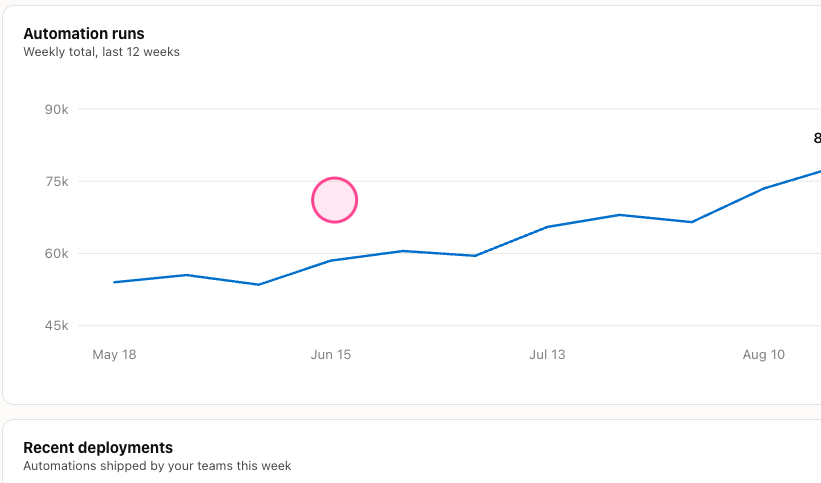
Hold control + option and drag to draw over any app. Release, and your strokes stay while clicks go straight back to the app underneath. There is no mode to think about.
hold control + option
Drawing mode adds arrows, lines, shapes, text and a straight-edge highlighter. Turn on invisible ink and strokes fade on their own — nothing to clean up. Save or copy the annotated screen as a screenshot.
control + option + D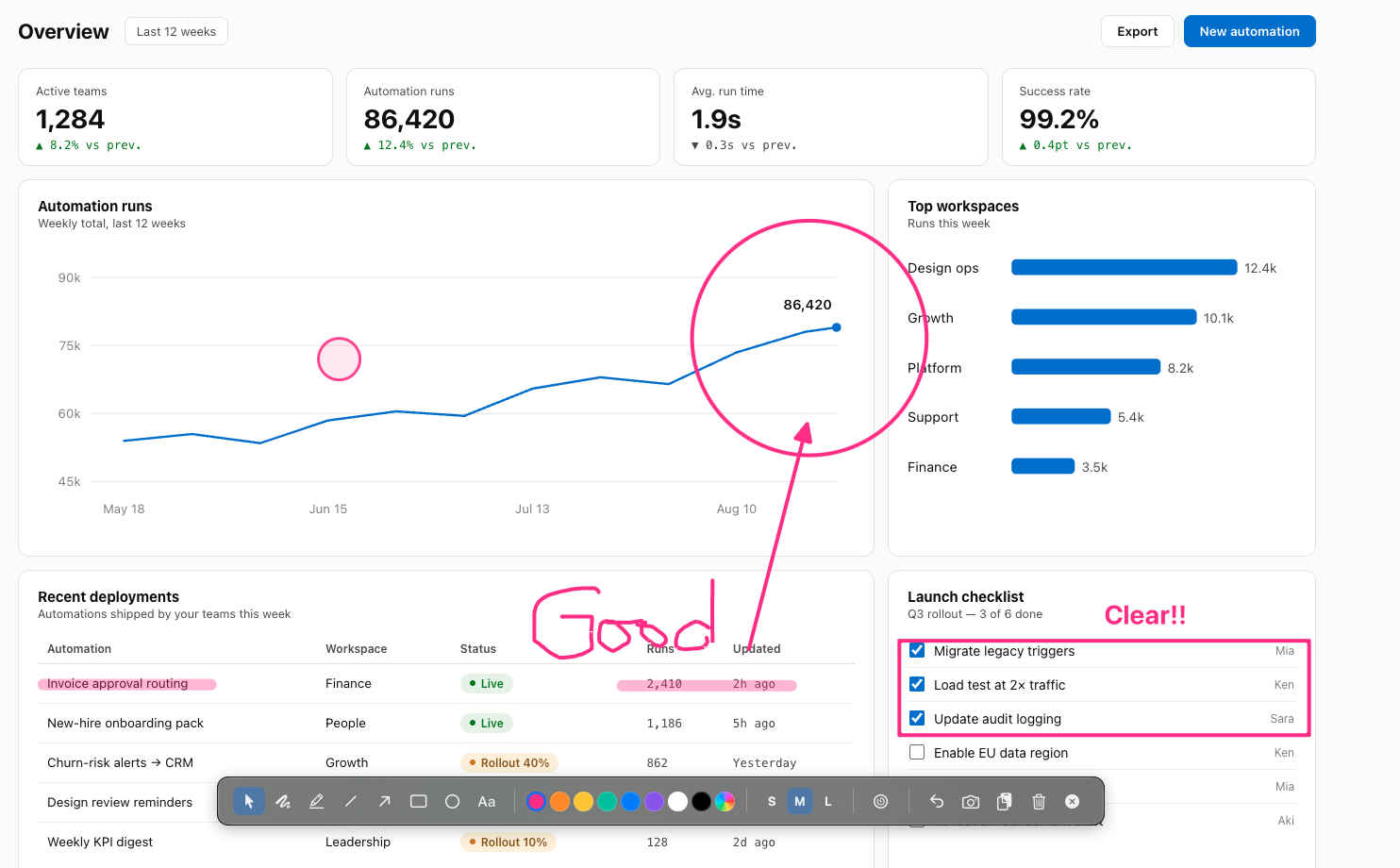
Register your demo folders once, and one hotkey pops the file list up right where your cursor is. Folders expand inline; one click opens the file. No more breaking your flow to hunt for that one file.
control + option + Q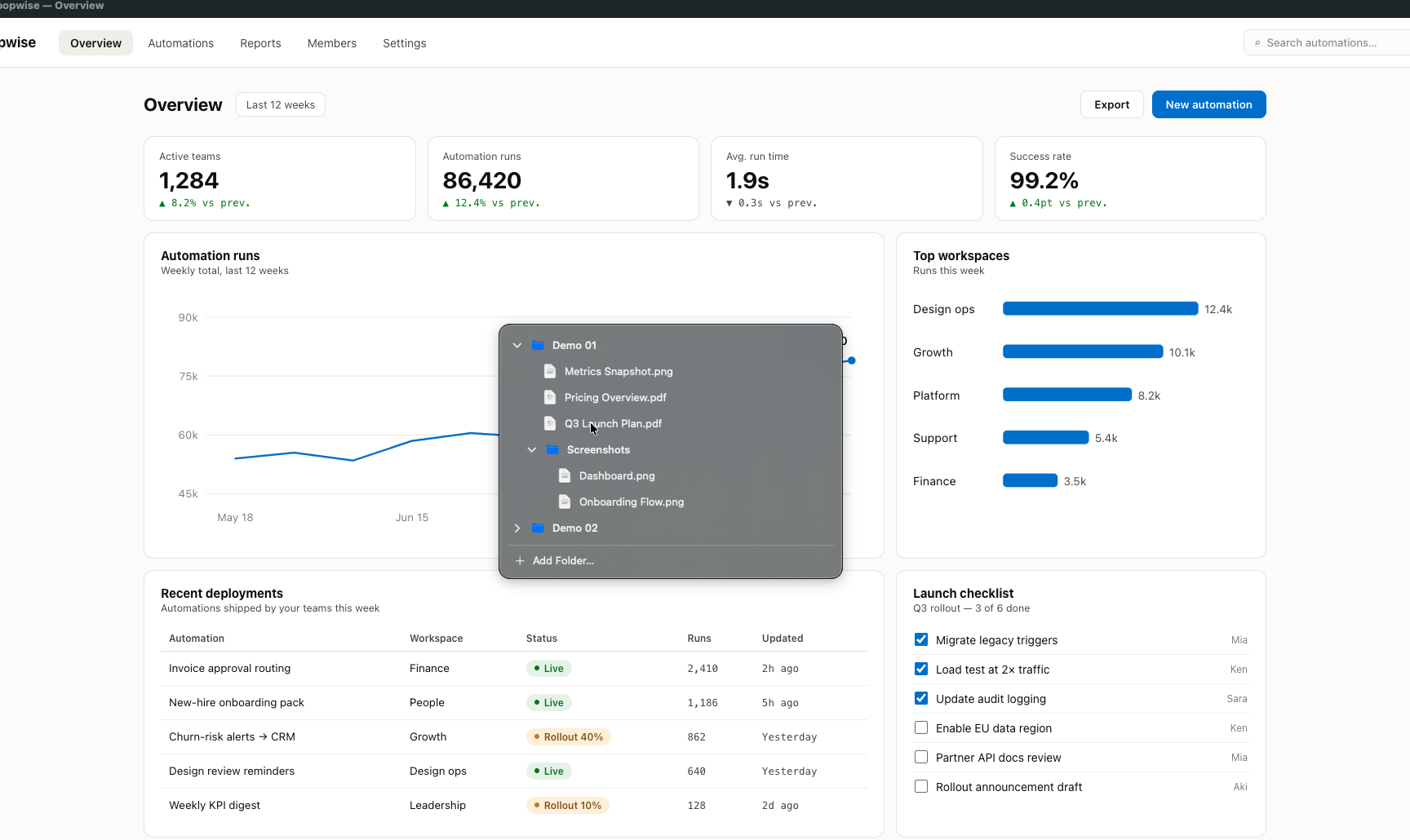
Dim everything except the circle around your cursor; resize it with option + scroll.
Hold to magnify the area around the cursor; change the factor with option + scroll.
A multi-page, full-screen canvas. Autosaves, exports to PNG.
A countdown that floats above everything, and a full-screen break cover with your own image or video background.
PeakMode never connects to the internet. The app has no networking capability, so your data cannot be sent anywhere. The optional Screen Recording permission is used only for Zoom and for saving screenshots — everything stays on your Mac.